> ## Documentation Index
> Fetch the complete documentation index at: https://docs.fairfood.org/llms.txt
> Use this file to discover all available pages before exploring further.
# Trace -Storytelling Interface
## Storytelling Interface
A view into the story behind your products.
### All about your chain
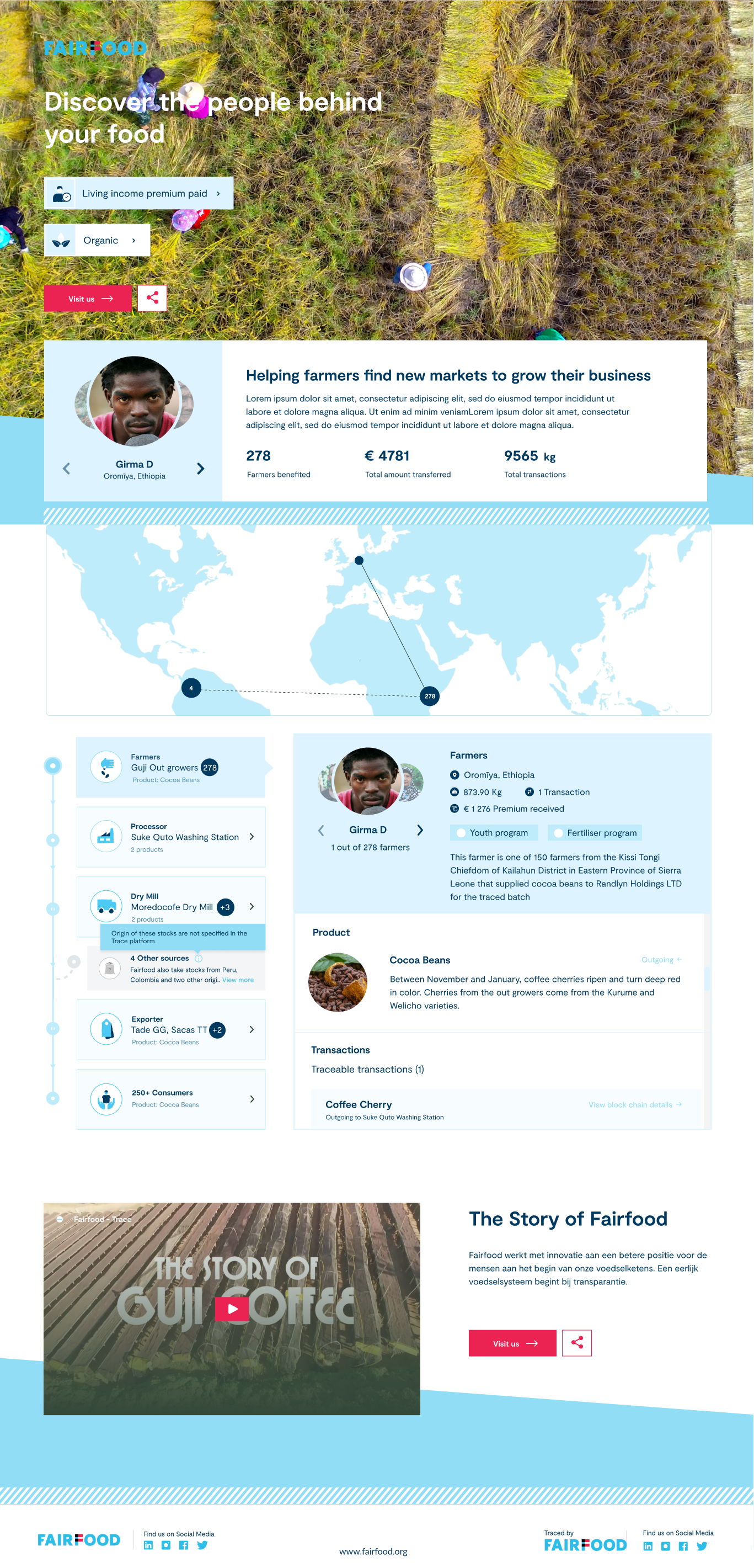
Trace will automatically generate the product story for you when you create transactions. You can share this story with the world via a QR code or link. Furthermore, you can customise the interface to match your brand's look and feel. Let's take a closer look at the elements of the storytelling interface.
 Cover Area
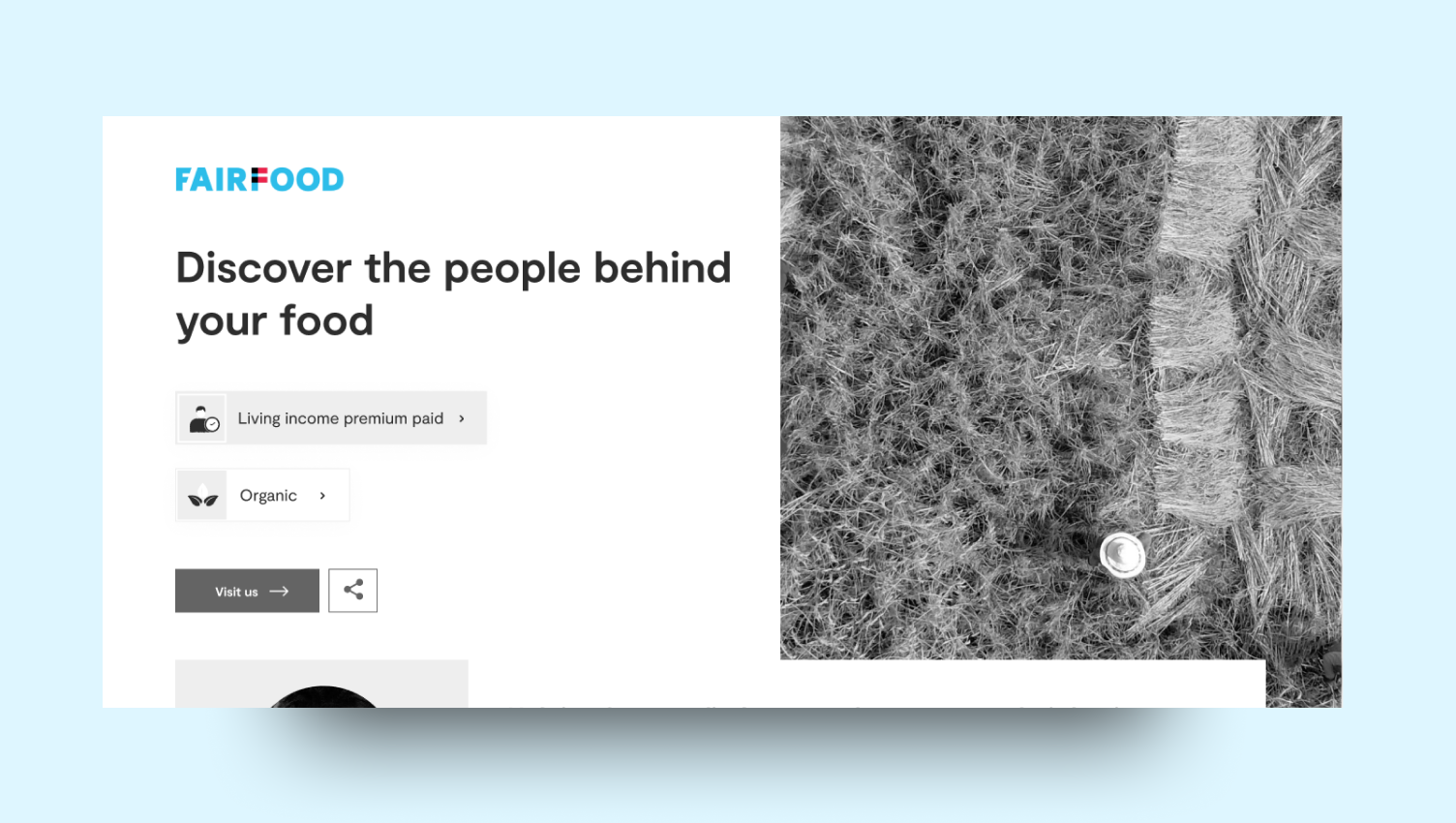
This is the main area where people land when they follow your Trace link or QR code. This is where the key takeaways are located (title), along with your brand logo, a hero image, claims, a call to action, a share button, and project info is displayed.
Activities and Projects
Do you want to communicate more than just the product narrative? Perhaps, some initiatives you have undertaken with the farming community or a success story. These can be highlighted in the Projects section, with or without extra stats.
Product Journey
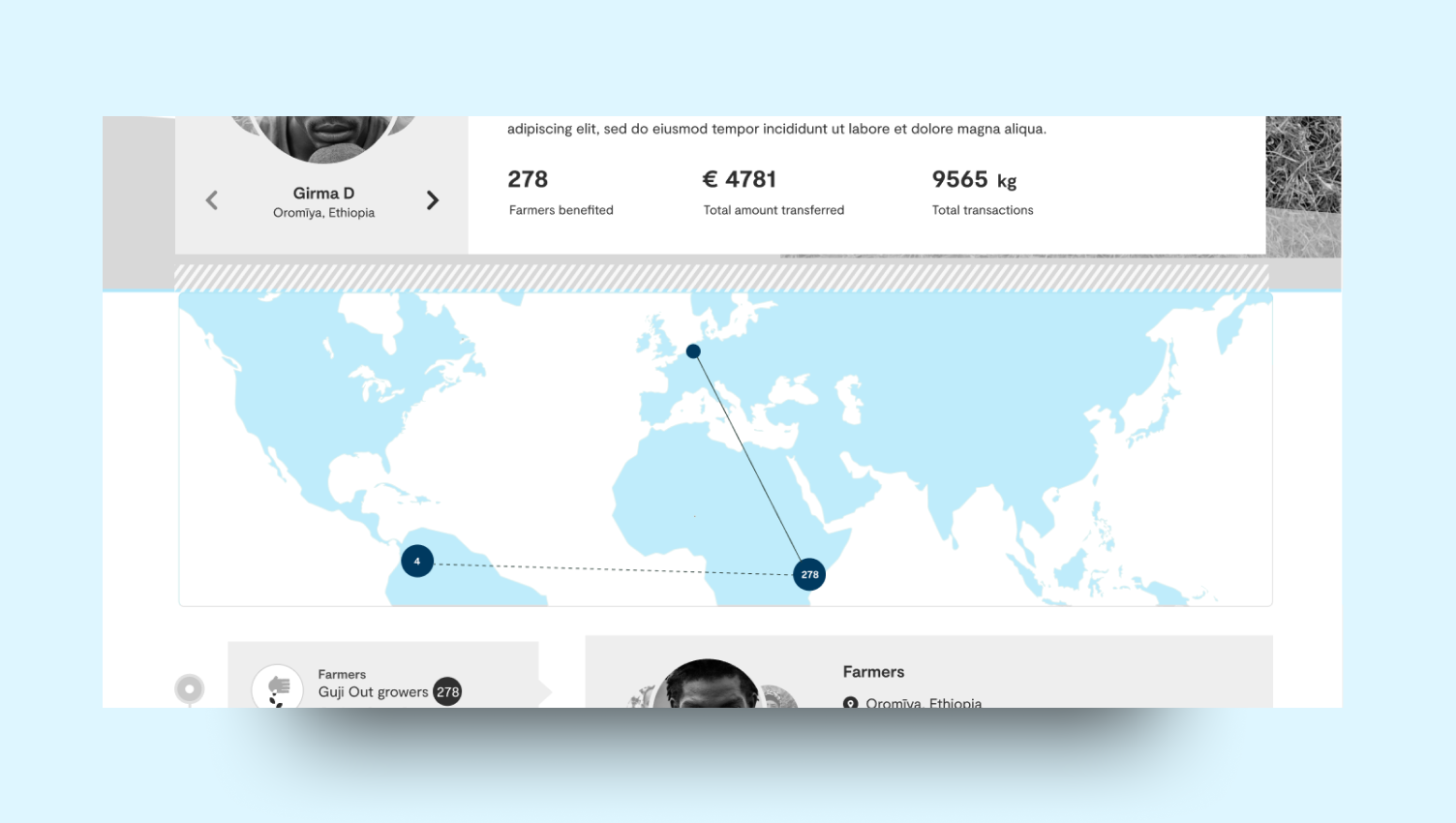
Trace will automatically generate and map out the journey of your product based on the location of your partners and the information they have provided. It provides a straightforward overview of the entire supply chain behind your product.
In addition to locations, Trace will also outline the stages of the product journey step by step. This feature enables you to provide a more in-depth description of your supply chain partners, including the events that took place at each stage, information about the product at that moment, as well as when and where they occurred.
Video
Do you wish to discuss more about the product or go beyond the product itself? You can always do so in the video section by adding your YouTube video (or another image).
### Customise to your aesthetics
Before developing a custom storytelling page, Fairfood's design team will work with you to incorporate your house-style colours into the page, and send you a few options to choose from. Let's explore the details of each area and the customisation options.
Cover Area
Cover Area
This is the main area where people land when they follow your Trace link or QR code. This is where the key takeaways are located (title), along with your brand logo, a hero image, claims, a call to action, a share button, and project info is displayed.
Activities and Projects
Do you want to communicate more than just the product narrative? Perhaps, some initiatives you have undertaken with the farming community or a success story. These can be highlighted in the Projects section, with or without extra stats.
Product Journey
Trace will automatically generate and map out the journey of your product based on the location of your partners and the information they have provided. It provides a straightforward overview of the entire supply chain behind your product.
In addition to locations, Trace will also outline the stages of the product journey step by step. This feature enables you to provide a more in-depth description of your supply chain partners, including the events that took place at each stage, information about the product at that moment, as well as when and where they occurred.
Video
Do you wish to discuss more about the product or go beyond the product itself? You can always do so in the video section by adding your YouTube video (or another image).
### Customise to your aesthetics
Before developing a custom storytelling page, Fairfood's design team will work with you to incorporate your house-style colours into the page, and send you a few options to choose from. Let's explore the details of each area and the customisation options.
Cover Area
 Brand Details
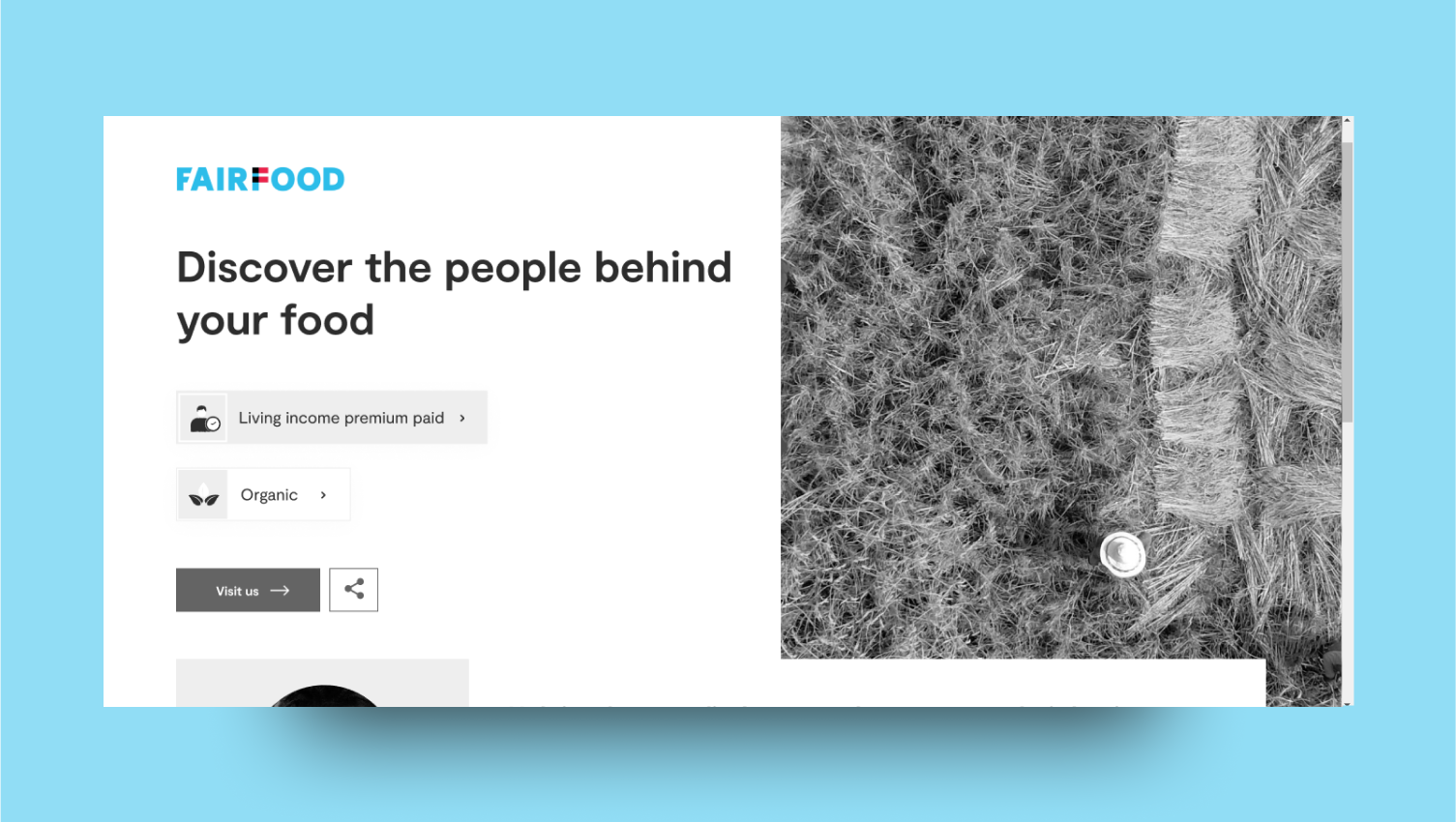
Brand details will appear in the top left corner of the interface. We can customise,
Brand name: Maximum length 80 characters
Brand Logo: Recommend a logo file size of 85x65px and in PNG format with transparent background.
Brand URL: Users can be redirected to the company website when they click on the logo.
Brand Details
Brand details will appear in the top left corner of the interface. We can customise,
Brand name: Maximum length 80 characters
Brand Logo: Recommend a logo file size of 85x65px and in PNG format with transparent background.
Brand URL: Users can be redirected to the company website when they click on the logo.
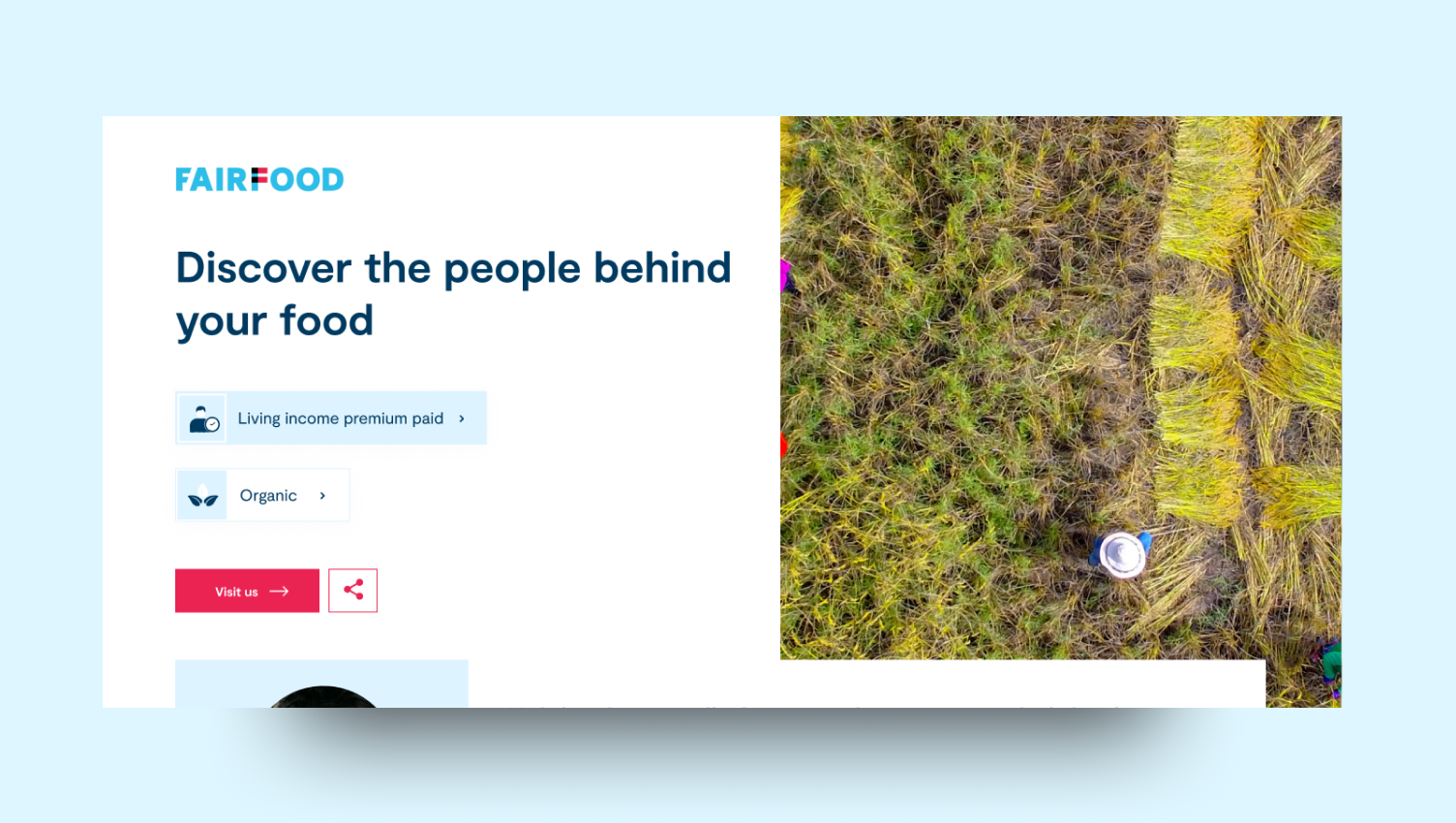
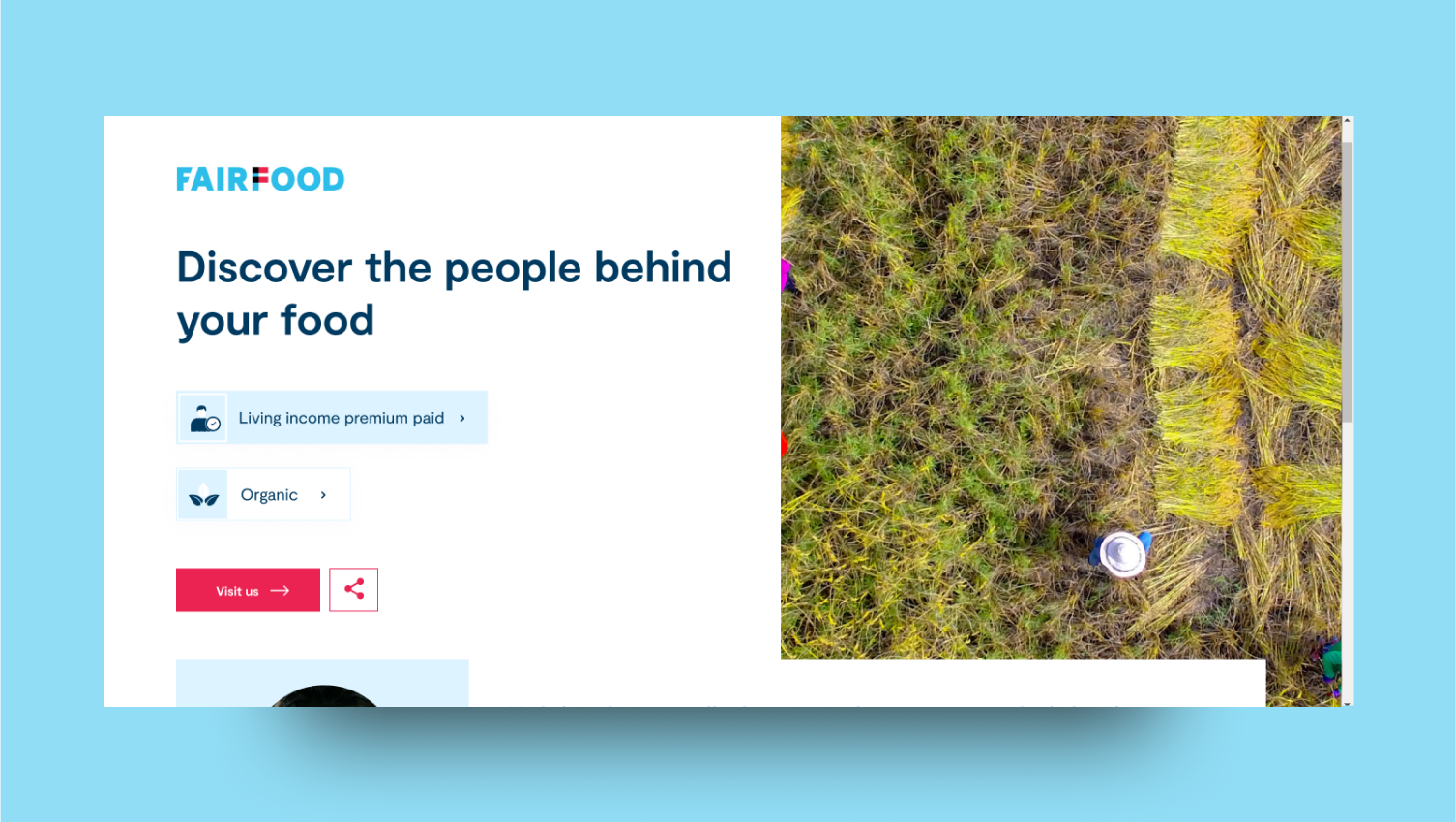 We can change the following details,
Page Title: Recommend 1 sentence, 30-60 charactersAction Button Text: Less than 20 characters.
Banner logo mode: You can use the banner logo in full-width image mode or half-width image mode. Action button URL: You can specify the action button URL also you can choose not to show the action buttonBanner Images:
Full banner image: PNG or JPG with 1350x950px resolution
Half banner image: PNG or JPG with 640x950px resolutionMobile banner Image: PNG or JPG with 640x950px resolution
We can change the following details,
Page Title: Recommend 1 sentence, 30-60 charactersAction Button Text: Less than 20 characters.
Banner logo mode: You can use the banner logo in full-width image mode or half-width image mode. Action button URL: You can specify the action button URL also you can choose not to show the action buttonBanner Images:
Full banner image: PNG or JPG with 1350x950px resolution
Half banner image: PNG or JPG with 640x950px resolutionMobile banner Image: PNG or JPG with 640x950px resolution
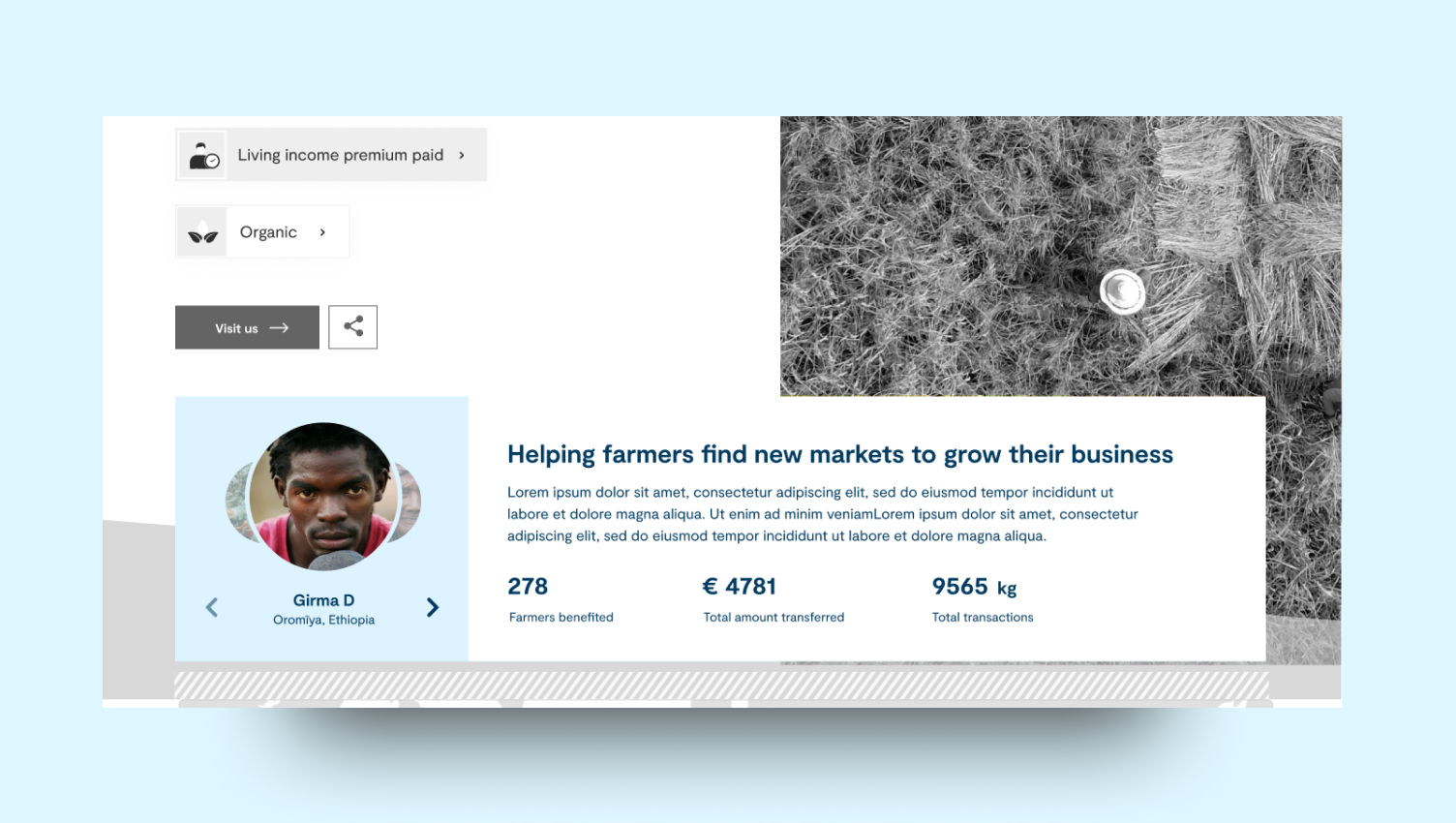
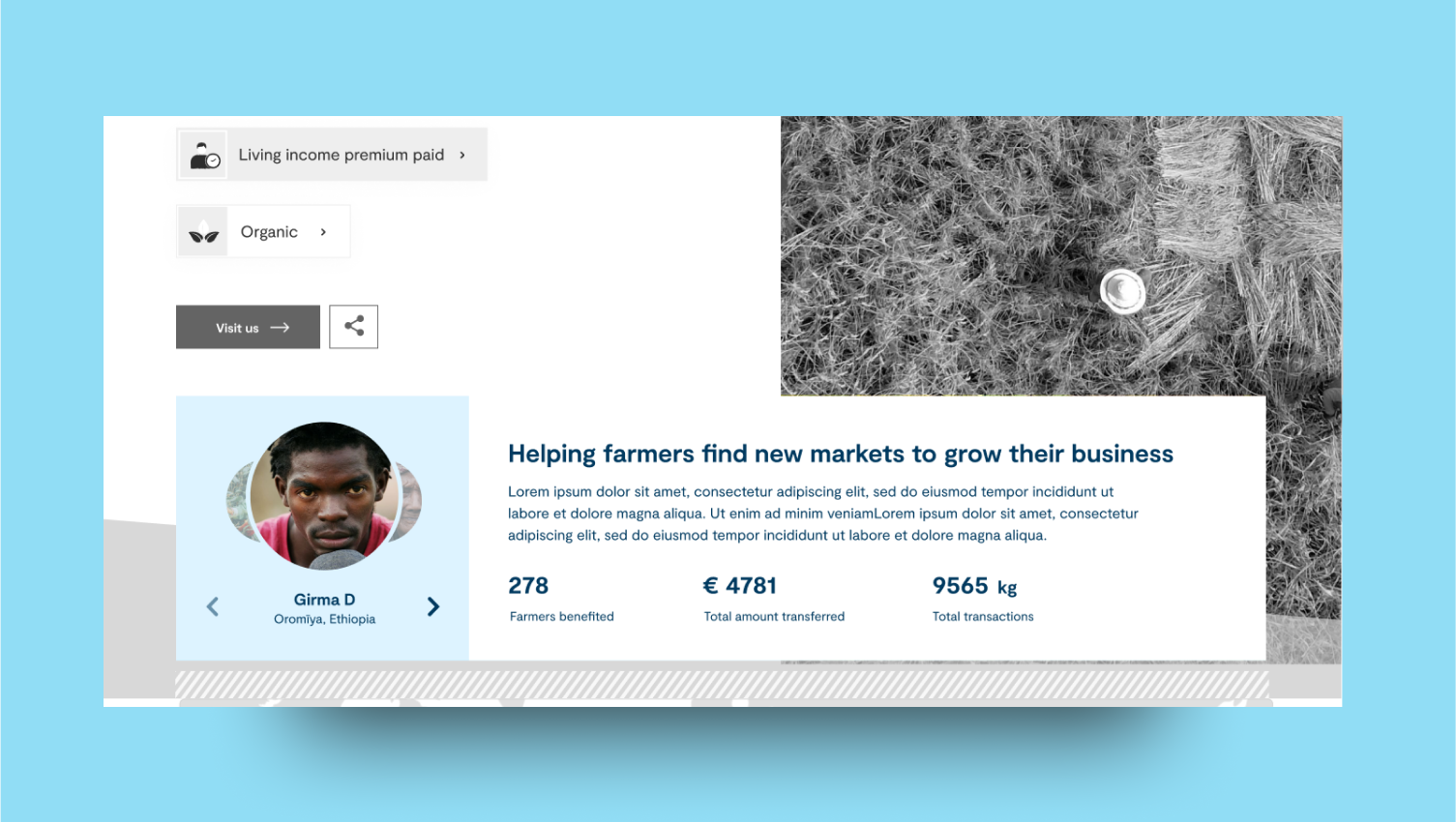 We can change the following details,
Project title: Maximum 75 characters.Project description: Maximum 400 characters.Project stats: You can suggest 3-4 important numbers regarding the project or you can choose not to specify any.The stats should have a name that is less than 25 characters.
Stats should have value (whole number) with or without a unit.
Product Story
We can change the following details,
Project title: Maximum 75 characters.Project description: Maximum 400 characters.Project stats: You can suggest 3-4 important numbers regarding the project or you can choose not to specify any.The stats should have a name that is less than 25 characters.
Stats should have value (whole number) with or without a unit.
Product Story
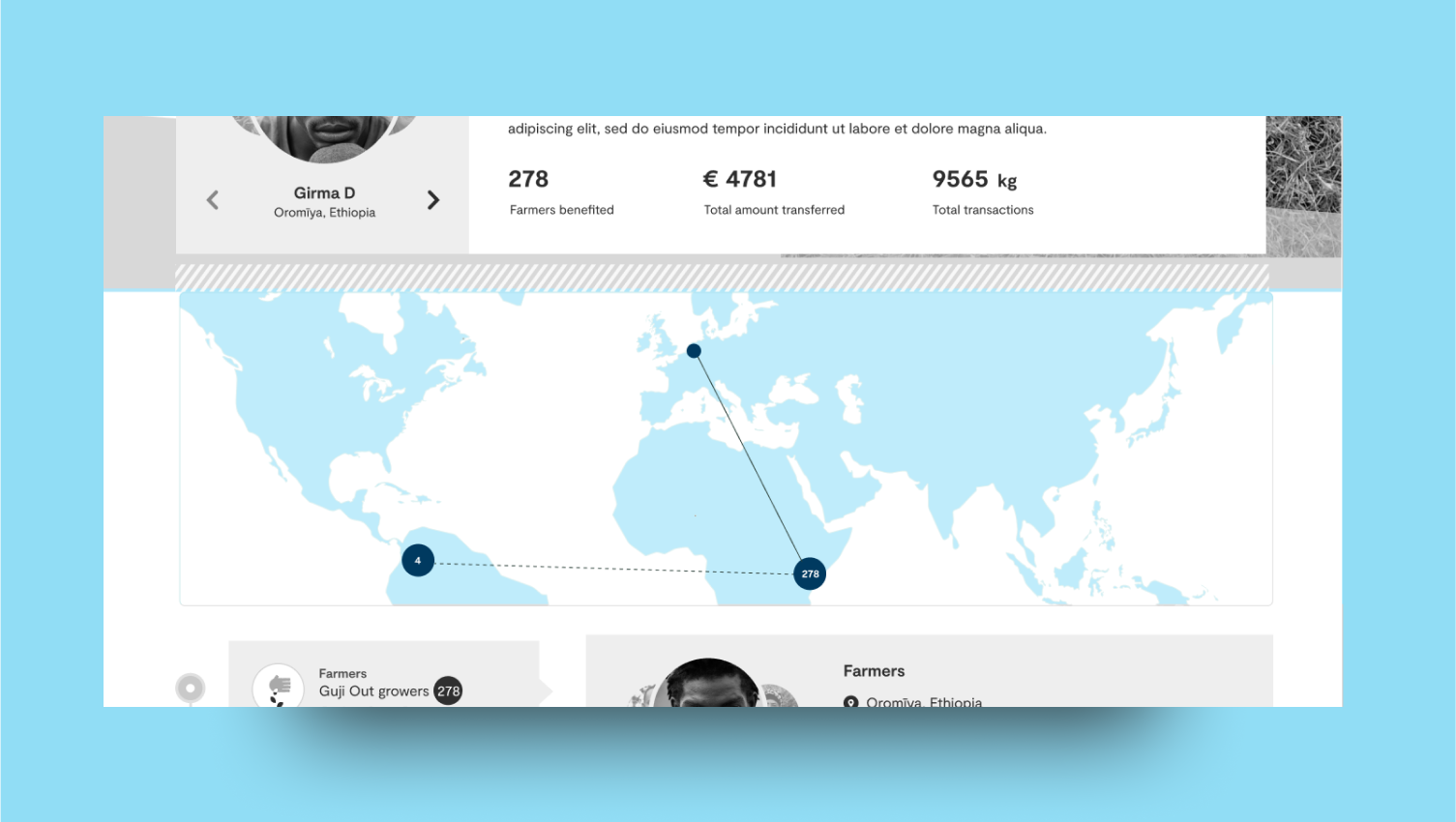 Brand Details
Map is automatically generated by the system based on the location of your supply chain actors and transactions. You can use your brand colours there.
Brand Details
Map is automatically generated by the system based on the location of your supply chain actors and transactions. You can use your brand colours there.
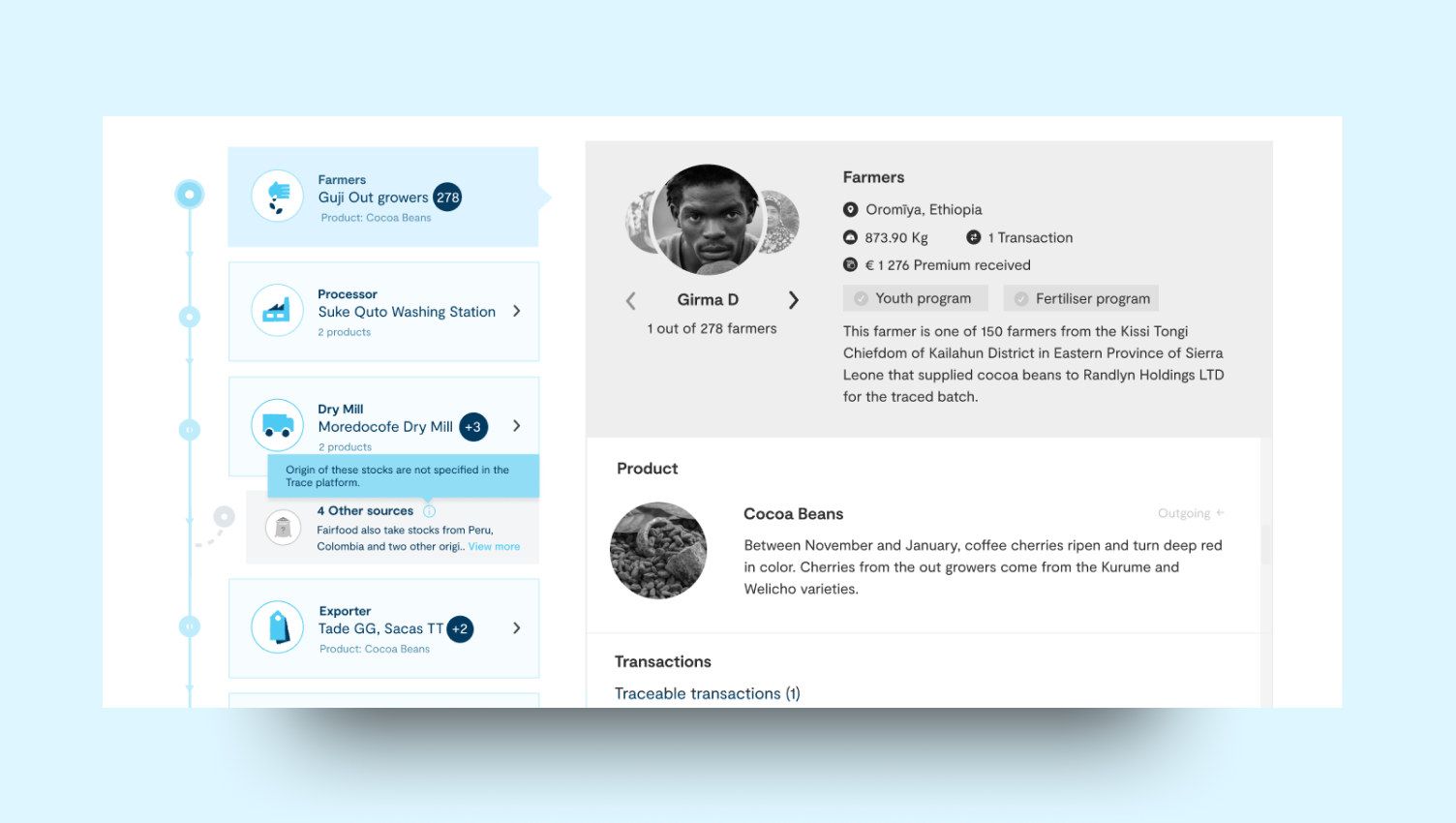
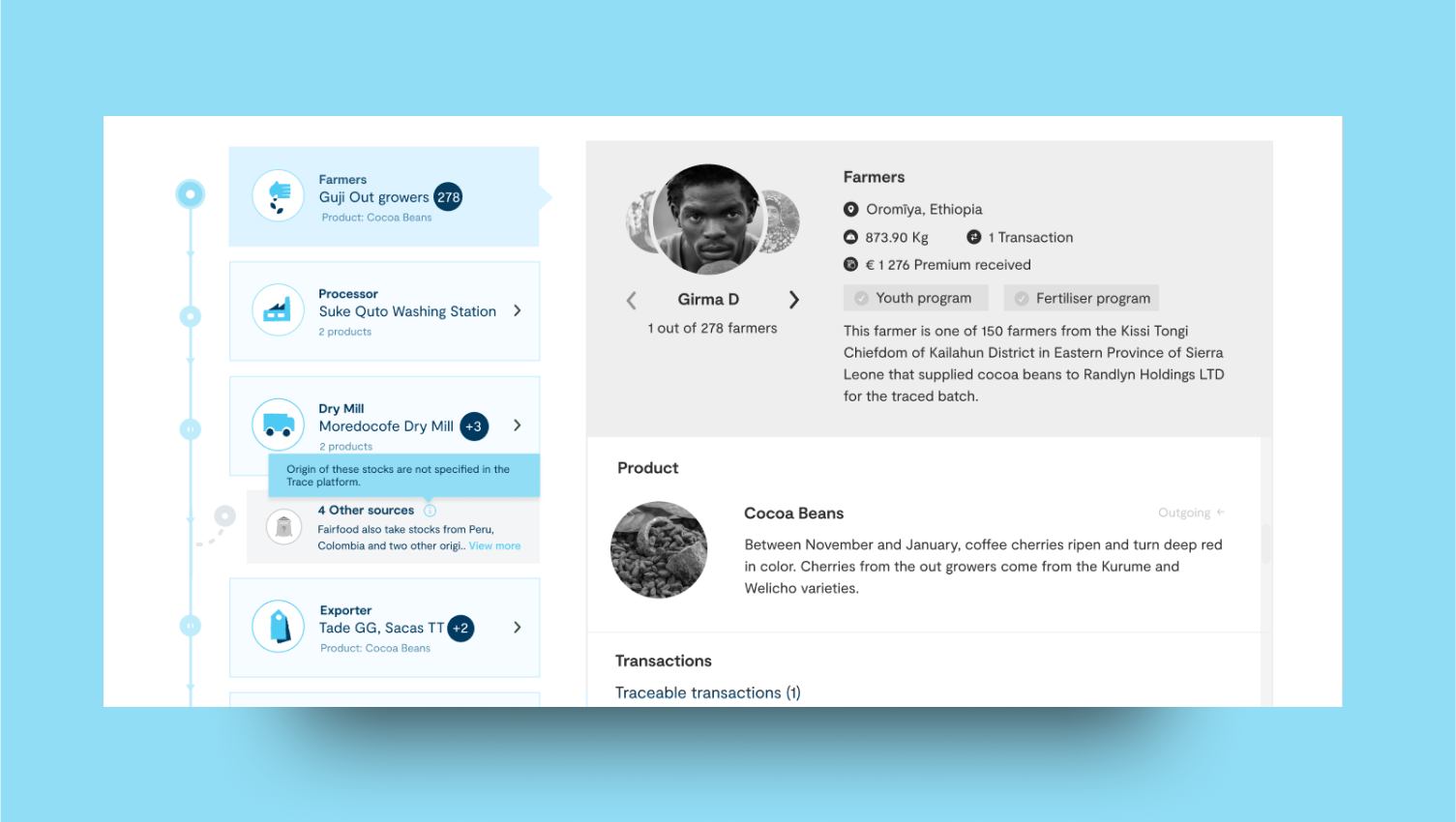 Product stages are also generated by the system based on the role of the actors in your chain. You can also customise the stage names, colours, and icons.
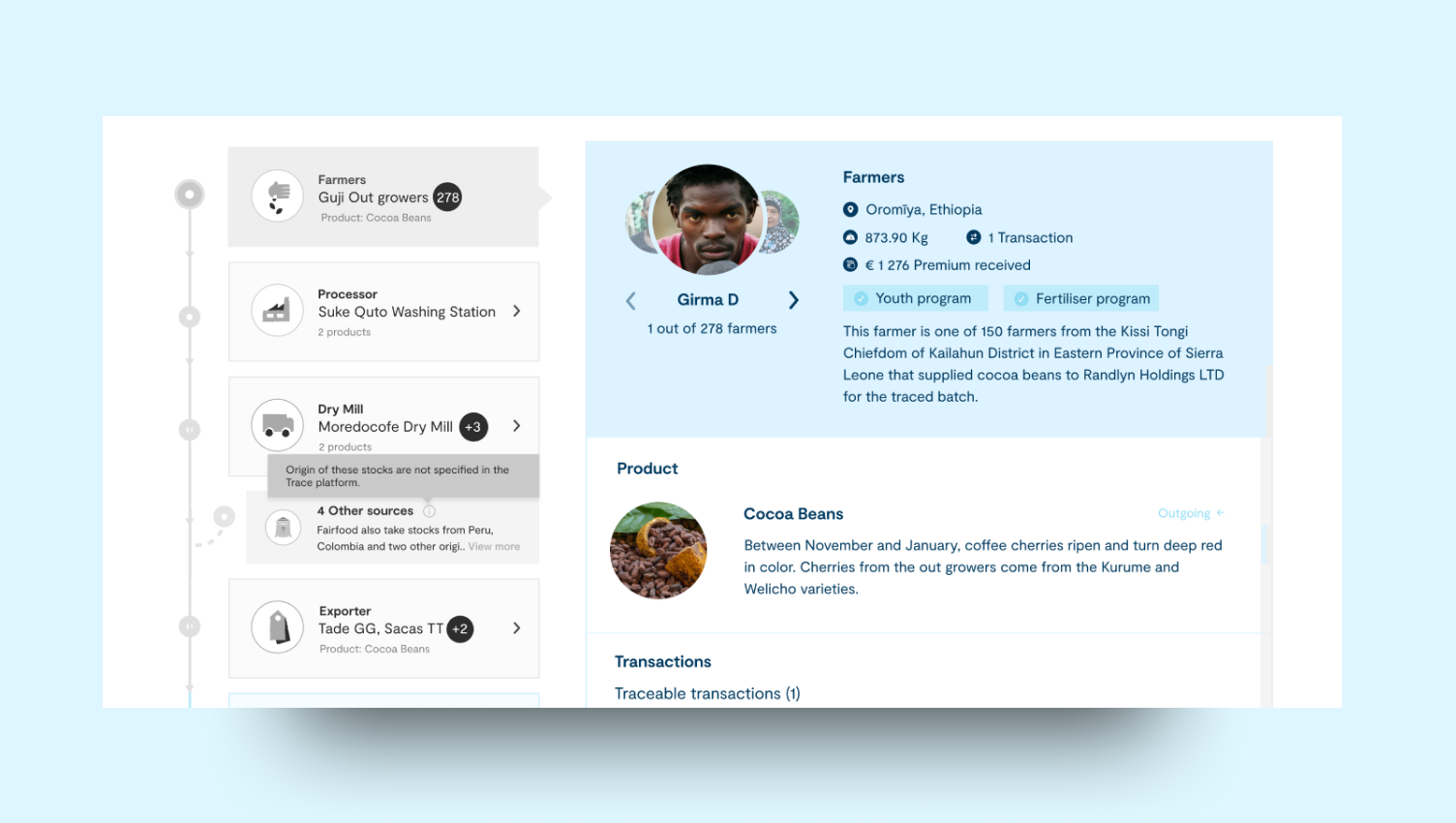
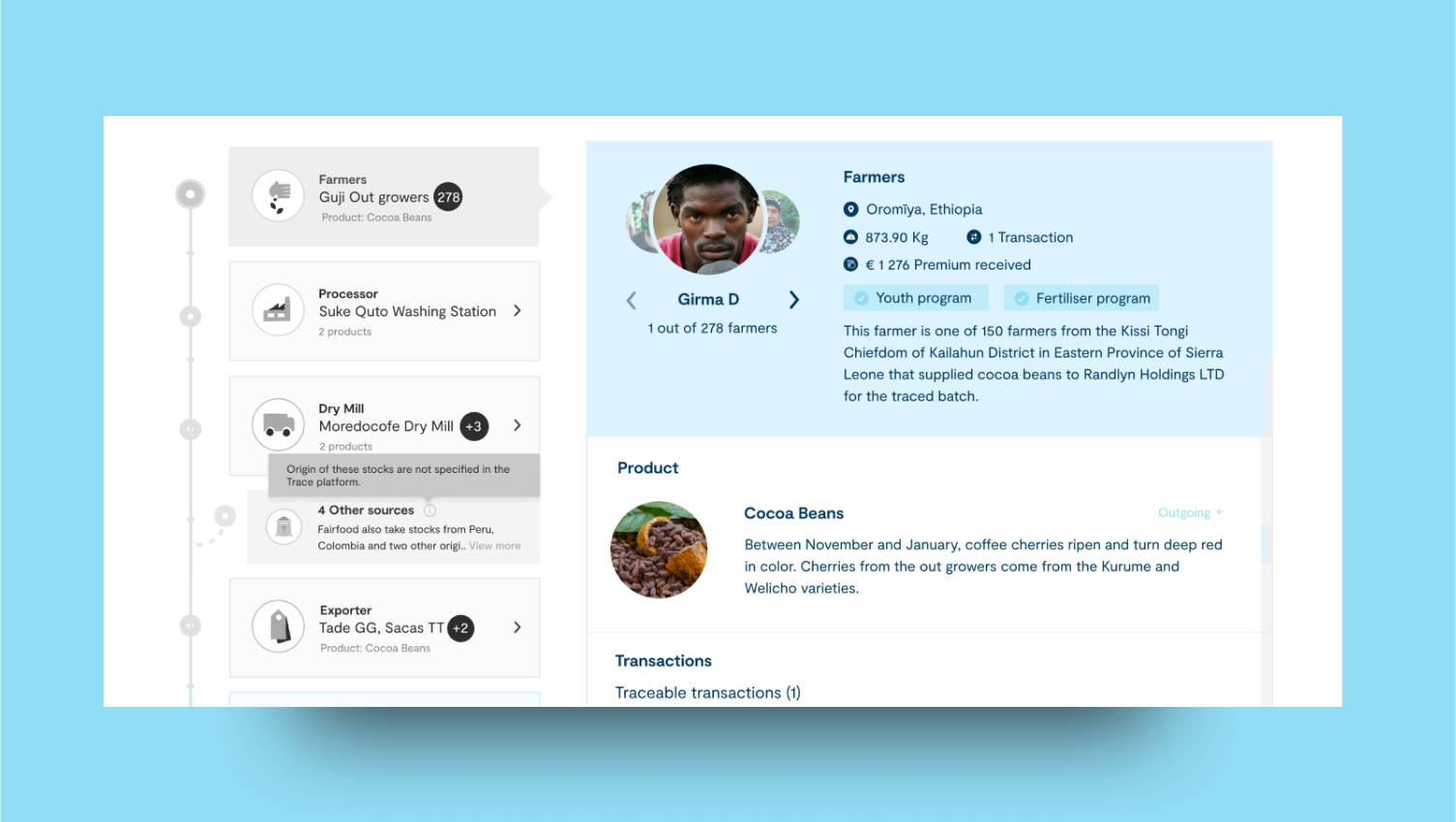 You can locate the entities involved in the supply chain by clicking on each stage. For each entity, you will be able to view the products and transactions associated with them, along with their respective descriptions.
The following details are customisable in this section,
Actor Images: PNG or JPG file with a size of 160x160px is recommended.Actor description: Maximum 250 characters.
Product Image: PNG or JPG file with a size of 160x160px is recommended.Product description: Maximum 200 characters.
Video & Social Media
You can locate the entities involved in the supply chain by clicking on each stage. For each entity, you will be able to view the products and transactions associated with them, along with their respective descriptions.
The following details are customisable in this section,
Actor Images: PNG or JPG file with a size of 160x160px is recommended.Actor description: Maximum 250 characters.
Product Image: PNG or JPG file with a size of 160x160px is recommended.Product description: Maximum 200 characters.
Video & Social Media
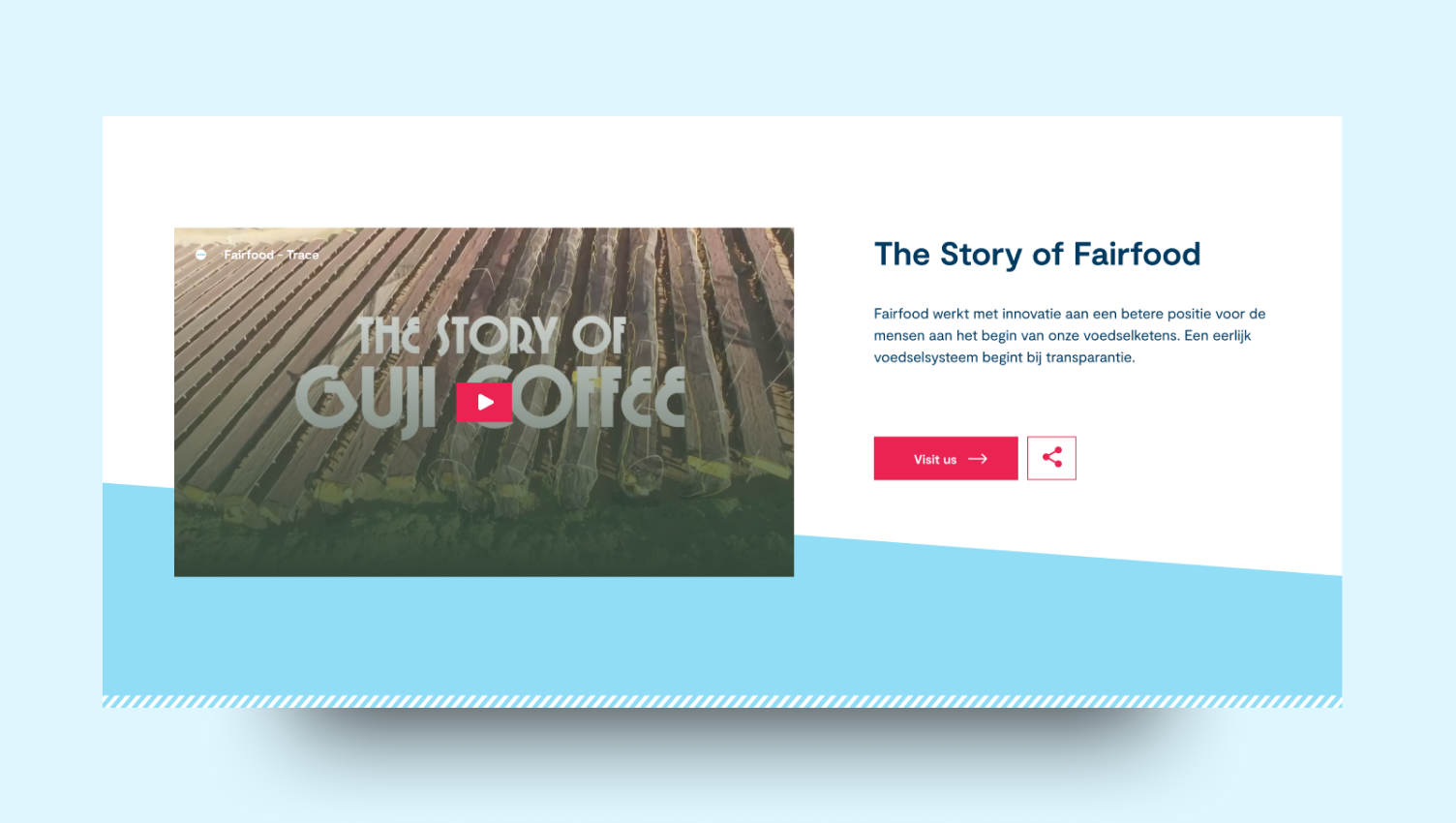
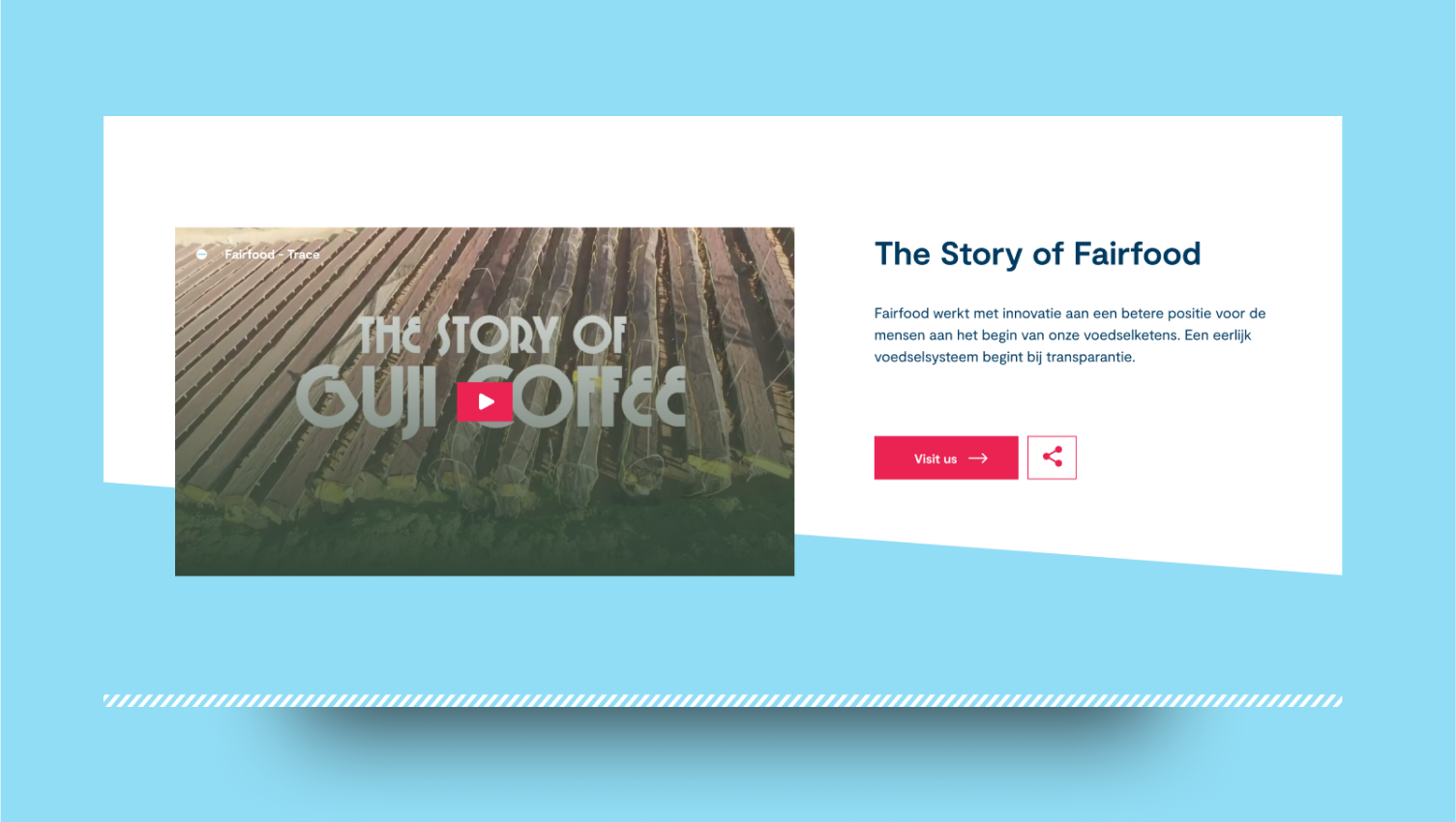 You can choose to display any youtube video in this section. You can also mention a short description and title for the video.
Video title: Maximum 60 charactersVideo description: Maximum 200 characters
You can choose to display any youtube video in this section. You can also mention a short description and title for the video.
Video title: Maximum 60 charactersVideo description: Maximum 200 characters
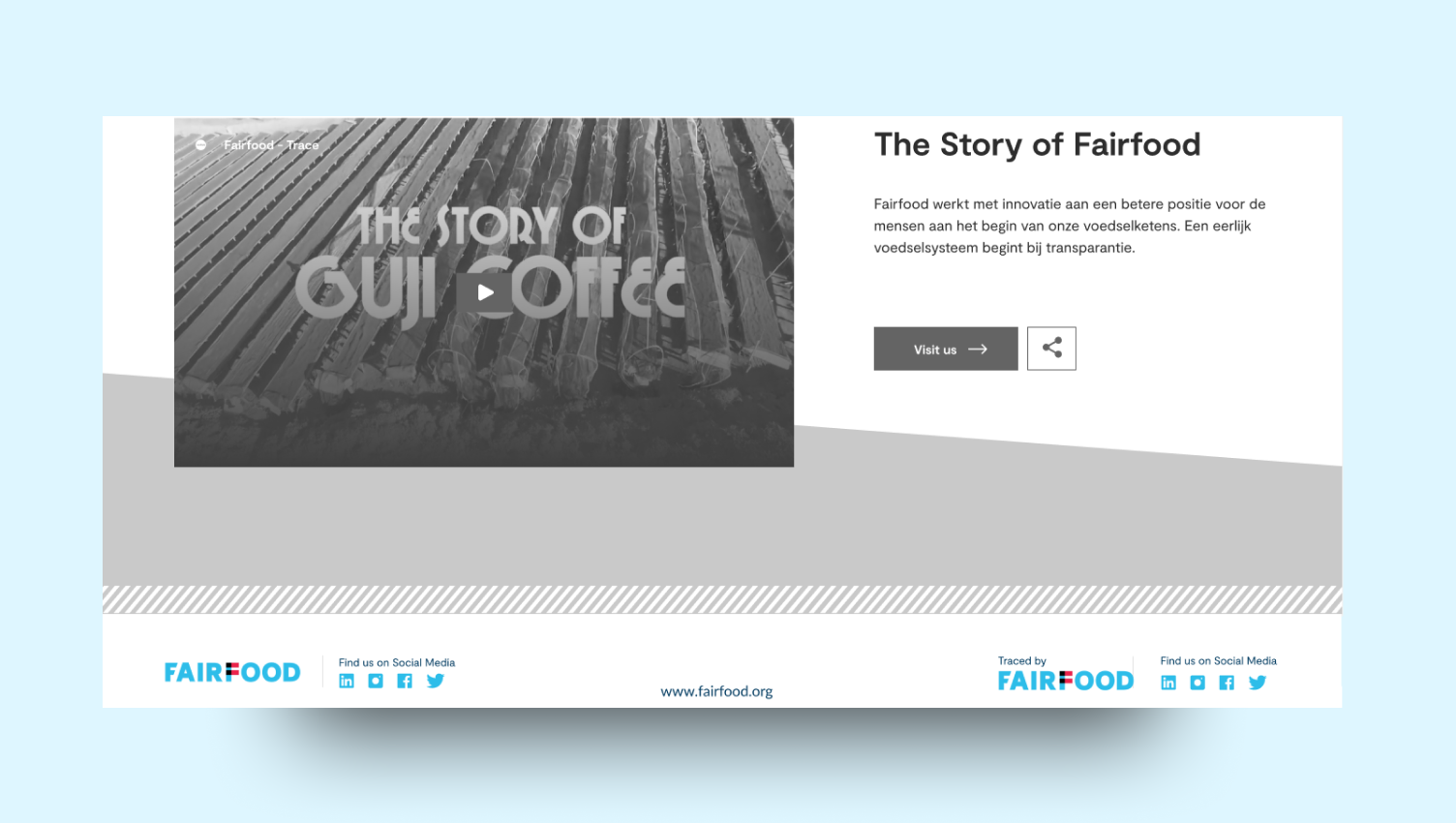
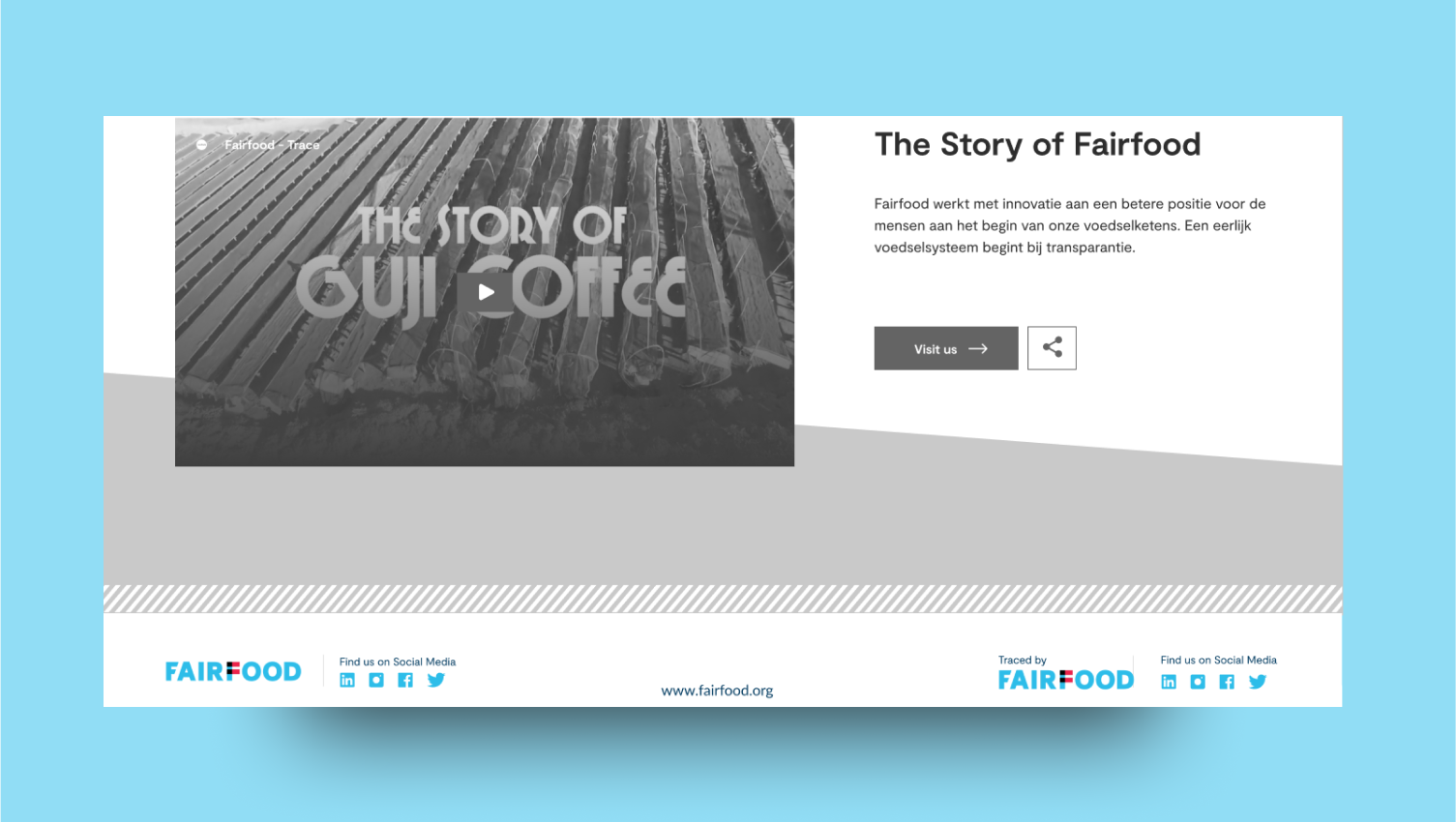 Your customers have the ability to share your story on social media or locate you within the social media realm. You have the option to determine what the default message they share will be.
You can customise the following information in this section,
Social media links: Your Facebook, LinkedIn, Twitter and Instagram links.Share message: Default share message when someone wants to share your story.You can also decide to show or hide the social media components
### Customisation At a Glance
You can find the summary of items you can customise in the interface below.
Your customers have the ability to share your story on social media or locate you within the social media realm. You have the option to determine what the default message they share will be.
You can customise the following information in this section,
Social media links: Your Facebook, LinkedIn, Twitter and Instagram links.Share message: Default share message when someone wants to share your story.You can also decide to show or hide the social media components
### Customisation At a Glance
You can find the summary of items you can customise in the interface below.